
YouTube videos,
summarized.
A Chrome extension that turns video captions into structured summaries — using your own AI API key. No accounts, no tracking, no servers.
What it does
Fast, structured AI summaries of any YouTube video that has captions.
Structured output
Headings, bullet points, and key takeaways — not just a wall of text.
Bilingual
Generate summaries in Japanese or English, regardless of the video's language.
Side panel
Read summaries next to the video without leaving the page.
Three summary modes
Short for a quick gist, Medium for context, Detailed when you need it all.
Your keys, your data
API keys stay in your browser. No analytics, no telemetry, no servers in between.
Copy, regenerate, cancel
One-click copy, rerun the same input, or cancel a long request anytime.
See it in action
A structured summary in the Chrome side panel — alongside the video, not in another tab.
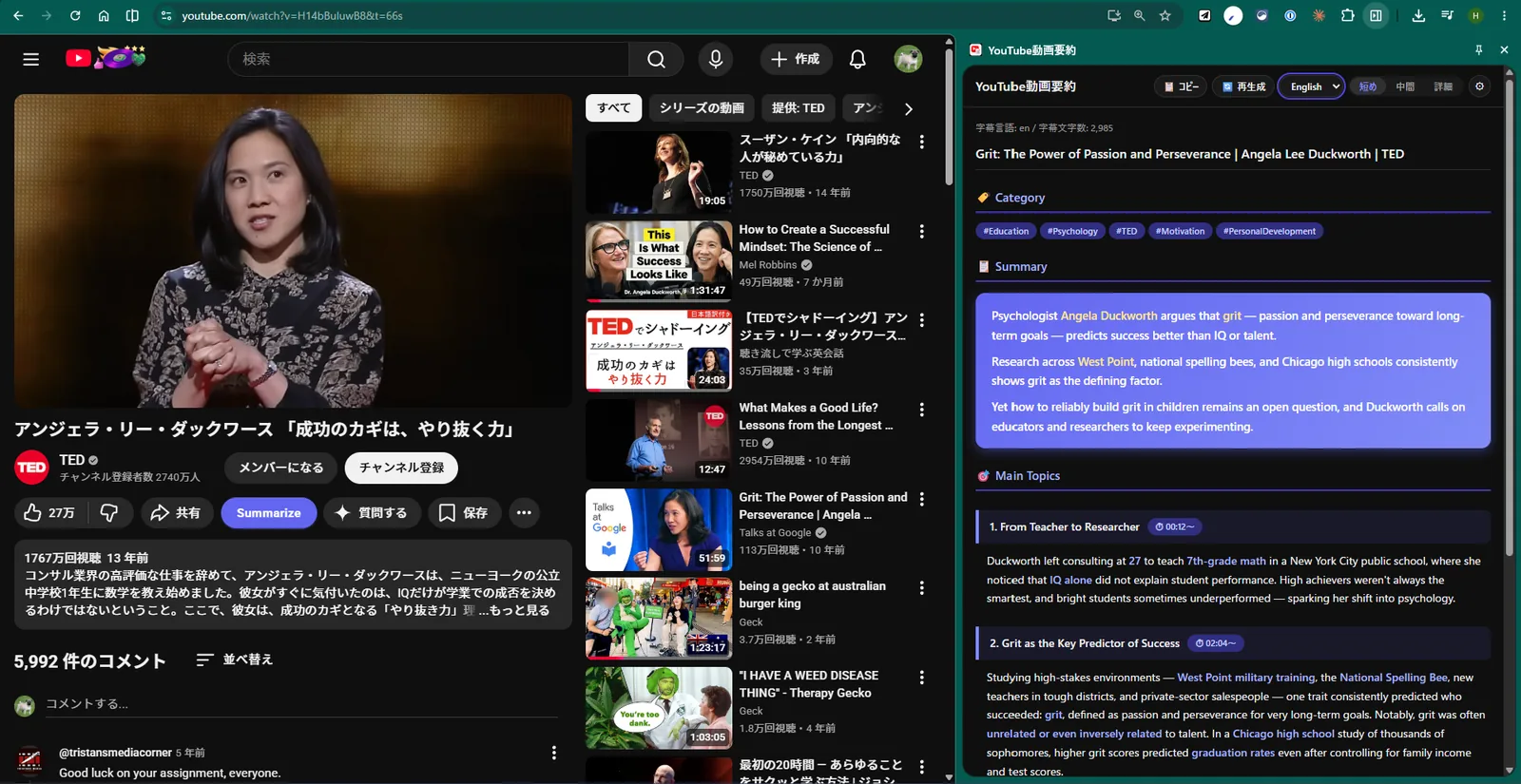
- 1 Bilingual outputSwitch the summary language between English and Japanese on the fly.
- 2 Three summary modesShort for a quick gist, Medium for context, Detailed when you need it all.
- 3 Structured outputTopic tags, headings, and bullet points — never a wall of text.
How it works
Set it up once and forget about it.
-
Add your API key
Choose Claude, OpenAI, or Gemini in the options page and paste your API key. Stored only in your browser.
-
Open any YouTube video
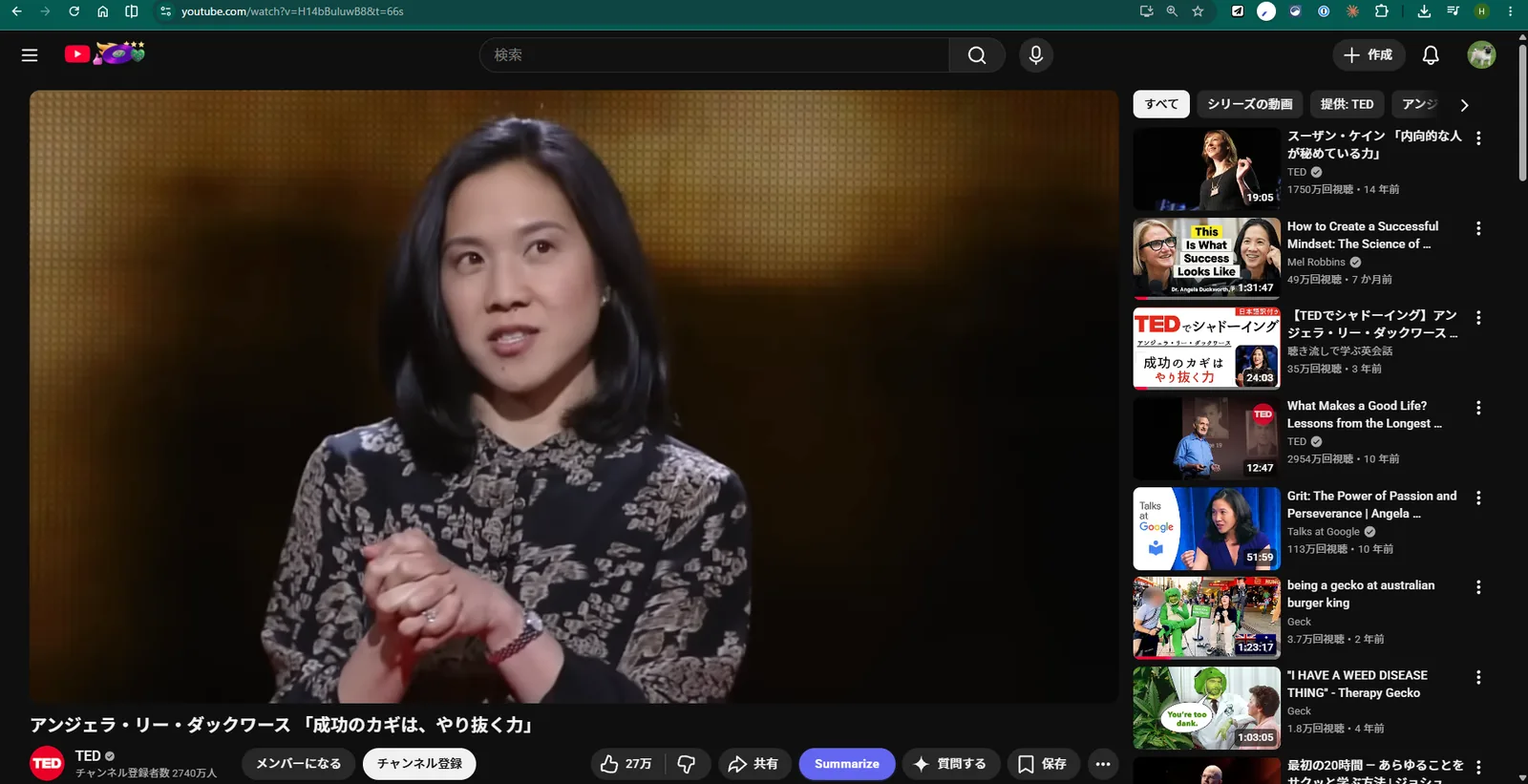
The extension adds a Summarize button to the video page action bar.
-
Click Summarize
The Chrome side panel opens and the structured summary streams in.
Your data stays yours
BYOK (Bring Your Own Key) means there's no developer middleman.
- No user accounts, no sign-up, no developer servers
- API keys are stored only in your browser's local storage
- Captions are sent only to the AI provider you select
- No analytics, no telemetry, no third-party tracking
Bring your own AI
Pick the provider you already use. Models are configurable in the options page.